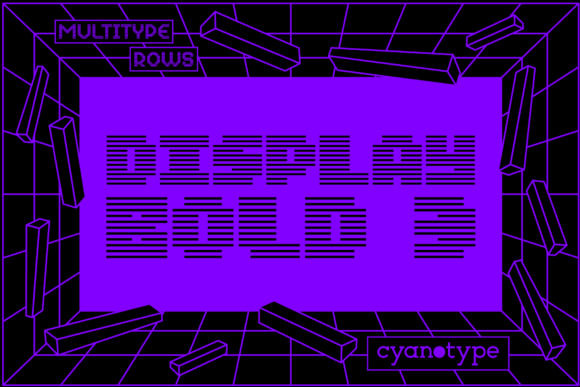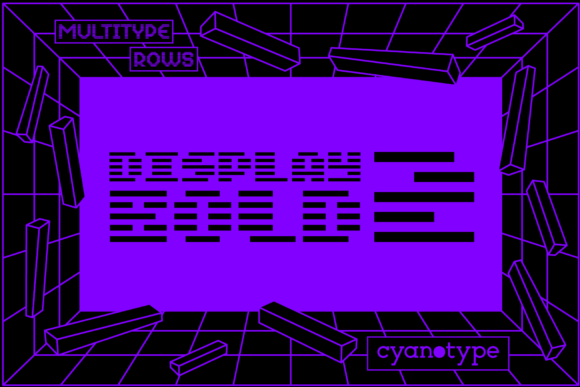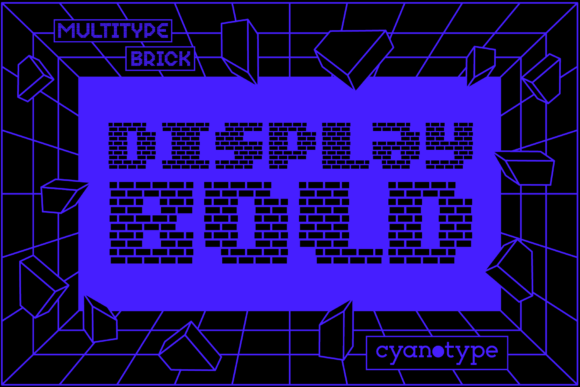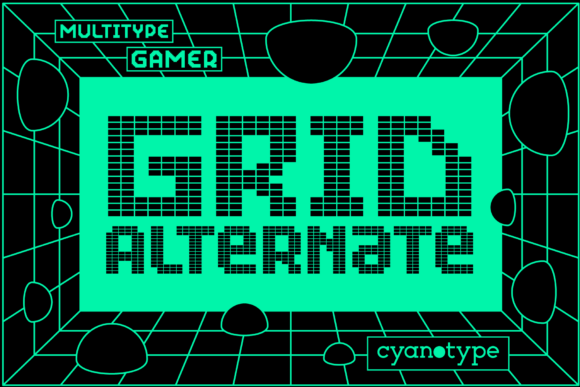
MultiType Pixel Slim: The Pixelated Display Font for Modern Design
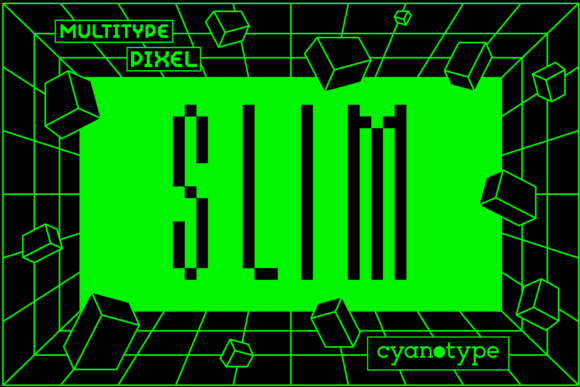
Finding a typeface that genuinely stands out in a saturated digital landscape is a challenge. You need something with a distinct personality, a clear voice, and the versatility to work across different mediums. MultiType Pixel Slim is one such creative font, offering a cool, uniquely shaped, pixelated form that immediately captures attention. It's not just another display font; it's a design tool built for adding a distorted, trendy, and unmistakably digital touch to your projects.
This premium font understands the modern designer's workflow. Its PUA encoding is a practical feature, not just technical jargon. It means every glyph, swash, and stylistic alternate is directly accessible through your standard software, saving you time and frustration. Whether you're crafting a logo, designing social media graphics, or laying out an editorial spread, accessing the full character set is seamless.
Where Does This Pixel Font Shine?
The true value of a typeface like MultiType Pixel Slim lies in its application. It's a specialized tool, and knowing where it excels helps you make smart design choices. Think of it as the sans serif font for a generation that grew up with 8-bit graphics. Its pixelated structure gives it a retro-futuristic vibe, perfect for projects that want to nod to nostalgia while feeling thoroughly modern.
- Brand Identity & Logo Design: For brands in tech, gaming, music, or streetwear, this font can become a cornerstone of visual identity. Its sharp, geometric letterforms create logos that are memorable and convey a sense of innovation and edge. It works exceptionally well for app icons, startup branding, and any company wanting to project a forward-thinking, slightly rebellious image.
- Editorial & Web Design: As a display font, it’s perfect for headlines, pull quotes, and section titles in magazines, blogs, and websites. It adds visual hierarchy and a burst of energy to a layout, especially when contrasted with a clean, readable body text like a simple serif font or script font. Imagine it on a tech blog’s homepage or the cover of a music publication—it instantly sets the tone.
- Packaging & Product Design: On shelves or in online stores, packaging needs to pop. MultiType Pixel Slim can make product names and key messages leap off the label. It’s ideal for everything from craft beer cans and snack packaging to tech accessories and limited-edition merchandise. Its distinctive style helps with instant recognition and brand recall.
- Social Media & Marketing Graphics: In the fast-scroll world of social media, you have milliseconds to make an impact. Using this font for Instagram story titles, YouTube thumbnails, or promotional posters ensures your message isn’t just seen, but remembered. Its trendy aesthetic aligns perfectly with current digital culture.
Making the Right Typographic Choice
Choosing any commercial font is a strategic decision. It’s not just about what looks cool, but what serves the project’s goals. Before integrating MultiType Pixel Slim into your work, consider these practical steps.
- Evaluate Project Fit: Does the project’s personality match the font’s? A pixelated display typeface might not suit a law firm’s annual report, but it could be perfect for a gaming conference program. Assess the audience, the medium, and the core message. This font speaks a language of digital culture, creativity, and modernity.
- Test Font Pairings: No font is an island. The strength of MultiType Pixel Slim is often amplified by what you pair it with. For a balanced and professional look, combine it with a neutral handwritten font or a classic sans serif for body copy. The contrast between its detailed, textured forms and a simpler counterpart creates visual interest and improves overall readability.
- Review All Styles: A good font family offers flexibility. Explore all the weights, styles, and alternates included with MultiType Pixel Slim. You might find that a lighter weight works better for a subtle accent, while the bold version is perfect for a main headline. The included swashes can add a unique flourish to initial letters or decorative elements.
- Consider Readability: While it’s a display font meant for impact at larger sizes, always test its legibility in your specific context. Its pixelated nature is part of its charm, but ensure it remains clear on different screens and in print at the intended size. It’s generally not recommended for long paragraphs of body text.
- Understand Licensing: Since MultiType Pixel Slim is a premium font, confirm its license covers your intended use, whether for personal projects, client work, or commercial products. Proper licensing is a fundamental part of using design assets professionally.
Ultimately, MultiType Pixel Slim is more than just a set of letters. It’s a piece of modern typography that injects energy, character, and a distinct digital personality into your designs. By understanding its strengths and applying it thoughtfully, you can leverage its unique style to create work that truly connects with a contemporary audience. It’s a valuable addition to any designer’s toolkit for projects that demand to be noticed.